Table of Contents
- What Are Telegram Bots?
- Benefits of Telegram Bot Automation
- How to Create a Telegram Bot
- Step 1: Open BotFather
- Step 2: Create a New Bot
- Step 3: Configure Basic Settings
- Bot Token Setup Explained
- How to Configure Telegram Bot Automation
- Option 1: Use No-Code Automation Platforms
- Option 2: Use the Telegram Bot API
- Common Telegram Bot Automation Use Cases
- Automated Replies
- Poll Automation
- Notification Systems
- Examples of Telegram Bot Tasks
- Best Practices for Telegram Bot Automation
- Common Mistakes to Avoid
- Conclusion
- FAQ
- How do I create a Telegram bot?
- What is a Telegram bot token?
- Can I automate Telegram without coding?
- What can Telegram bots automate?
- Is Telegram bot automation free?
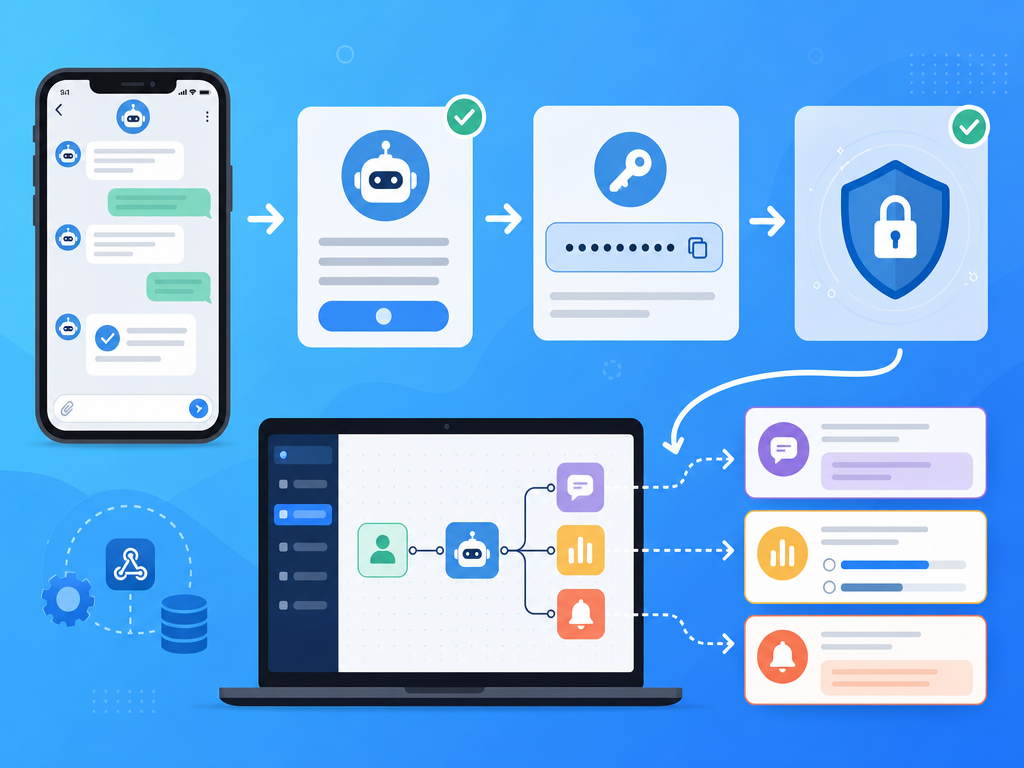
Telegram bot automation allows you to automate conversations, send notifications, collect feedback, and manage repetitive tasks without manual intervention. The process starts by creating a bot through BotFather, obtaining a bot token, and connecting the bot to automation tools or custom code. Once configured, a Telegram bot can automatically reply to messages, run polls, send alerts, and integrate with other apps and services.
What Are Telegram Bots?
Telegram bots are special accounts that operate through software instead of a human user. They can receive commands, process information, and perform automated actions in private chats, groups, and channels.
If you do not have Telegram installed yet, you can Download Telegram and create an account before getting started.
Benefits of Telegram Bot Automation
- Reduce repetitive manual work.
- Provide instant responses to users.
- Send notifications and alerts automatically.
- Collect user feedback through polls and forms.
- Integrate with websites, CRMs, monitoring tools, and business applications.
- Scale communication without increasing workload.
How to Create a Telegram Bot
Step 1: Open BotFather
BotFather is Telegram's official bot management tool. Search for BotFather within Telegram and start a conversation.
Step 2: Create a New Bot
- Send the command /newbot.
- Choose a display name for your bot.
- Choose a unique username ending in "bot".
- BotFather will generate a bot token.
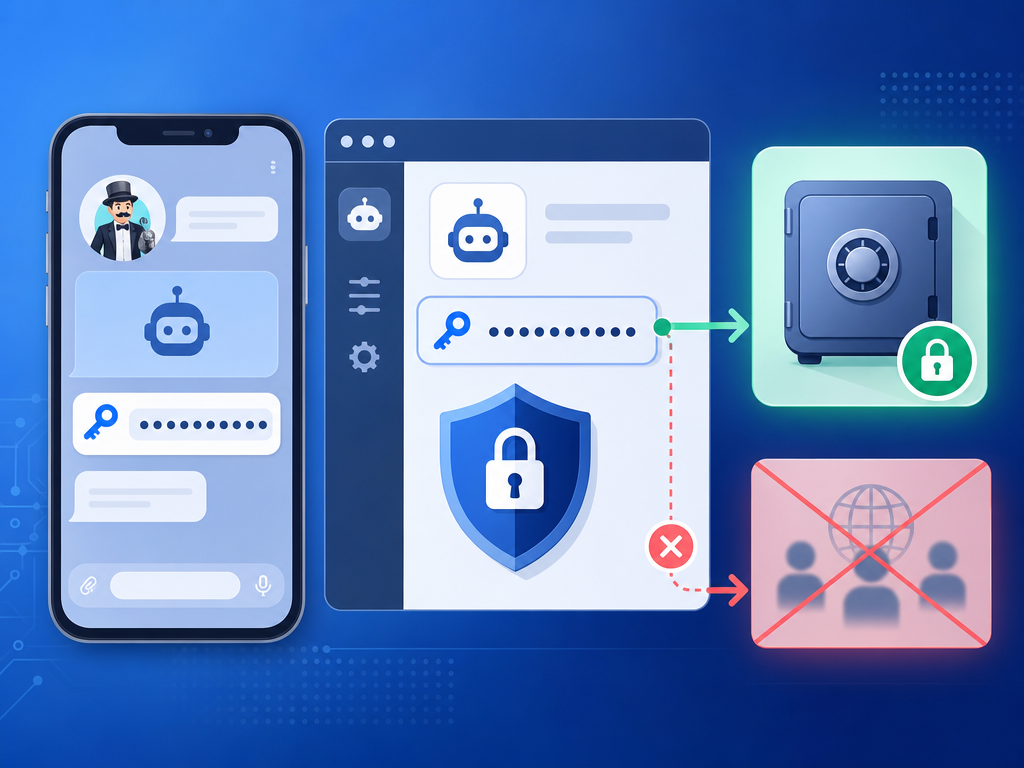
The bot token acts as your bot's authentication credential. Store it securely and never expose it publicly.
Step 3: Configure Basic Settings
Using BotFather, you can customize your bot's profile photo, description, commands, and privacy settings.
- /setdescription
- /setabouttext
- /setuserpic
- /setcommands
Bot Token Setup Explained
After creating your bot, BotFather provides a token similar to:
123456789:ABCDEF_example_token
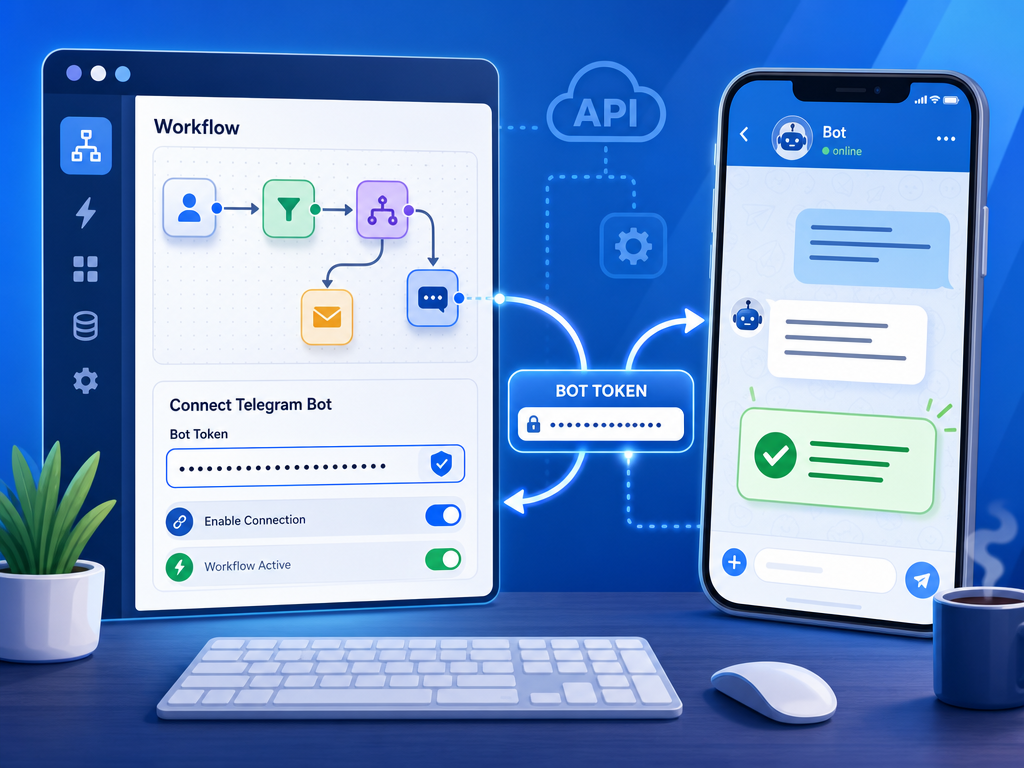
This token is required when connecting your bot to automation platforms, APIs, or custom applications. Most automation tools include a dedicated field where you paste the token to authorize access.
How to Configure Telegram Bot Automation
Option 1: Use No-Code Automation Platforms
Many users automate Telegram bots without programming by connecting their bot token to workflow tools.
- Send notifications from forms.
- Forward website leads to Telegram.
- Create alerts from monitoring systems.
- Receive order or payment notifications.
Option 2: Use the Telegram Bot API
Developers can use the Telegram Bot API to create custom workflows and advanced automation scenarios. The API allows bots to send messages, manage chats, process commands, and interact with users programmatically.
You can learn more about Telegram features on the Telegram official website.
Common Telegram Bot Automation Use Cases
Automated Replies
Bots can respond instantly to common questions.
- Customer support FAQs
- Community moderation
- Product information requests
- Appointment confirmations
Poll Automation
Telegram bots can automatically create and distribute polls.
- Employee feedback
- Community voting
- Event planning
- Market research
Notification Systems
One of the most popular forms of Telegram bot automation is automated notifications.
- Website uptime alerts
- Security notifications
- Sales updates
- Stock availability alerts
- Project management reminders
Examples of Telegram Bot Tasks
| Task | Purpose | Difficulty |
|---|---|---|
| Auto Reply | Respond to common questions | Easy |
| Poll Creation | Gather feedback automatically | Easy |
| Website Alerts | Receive downtime notifications | Medium |
| CRM Notifications | Track new leads and customers | Medium |
| Custom Workflow Automation | Connect multiple business systems | Advanced |
Best Practices for Telegram Bot Automation
- Protect your bot token and rotate it if compromised.
- Provide clear commands and instructions.
- Avoid excessive notifications that may annoy users.
- Test workflows before deploying them publicly.
- Monitor logs and usage regularly.
- Use rate limits responsibly to avoid service issues.
Common Mistakes to Avoid
- Sharing bot tokens publicly.
- Sending too many automated messages.
- Ignoring user permissions and privacy settings.
- Failing to test automation scenarios.
- Creating complex workflows before validating requirements.
Conclusion
Learning how to create Telegram bot automation is straightforward. Start by creating a bot through BotFather, secure your bot token, and connect the bot to automation tools or custom applications. From automated replies and polls to real-time notifications, Telegram bots provide a flexible way to streamline communication and automate repetitive tasks for individuals, communities, and businesses.
FAQ
How do I create a Telegram bot?
Open BotFather in Telegram, run the /newbot command, choose a name and username, and receive your bot token.
What is a Telegram bot token?
A bot token is a unique credential generated by BotFather that allows applications and services to authenticate and control your bot.
Can I automate Telegram without coding?
Yes. Many automation platforms allow you to connect a bot token and create workflows without writing code.
What can Telegram bots automate?
They can automate replies, notifications, polls, reminders, alerts, customer support interactions, and integrations with external services.
Is Telegram bot automation free?
Creating a Telegram bot is free. Costs may apply if you use third-party automation platforms or cloud services.